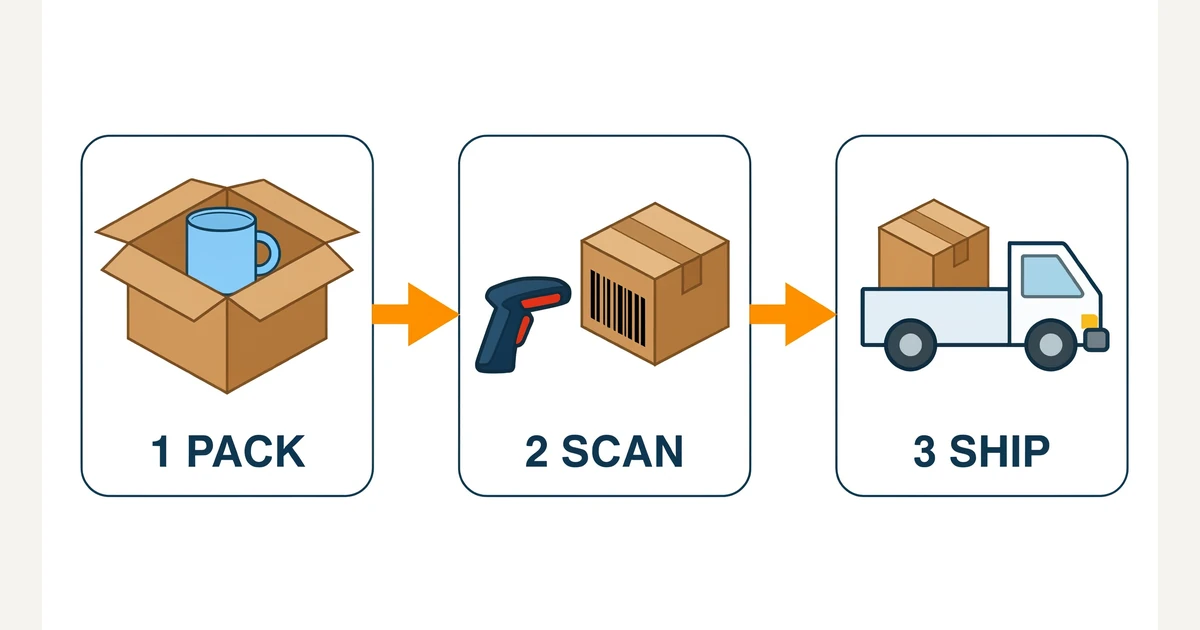
In one first MiniMax H3 Image output, the labels 1 PACK, 2 SCAN and 3 SHIP appeared beneath their intended icons. Two orange arrows connected the panels from left to right, with no loop or backward arrow observed. All three panels were visible. This single result does not establish general flowchart reliability.
The request was made through this site's actual Text to Image workspace on November 17, 2026. minimaxh3.info is an independent hosted service, separate from MiniMax's official sites. The request returned one 2720 × 1536 PNG, without a reroll. The image was not repaired to fix lettering or arrows.
1. Start with the complete result
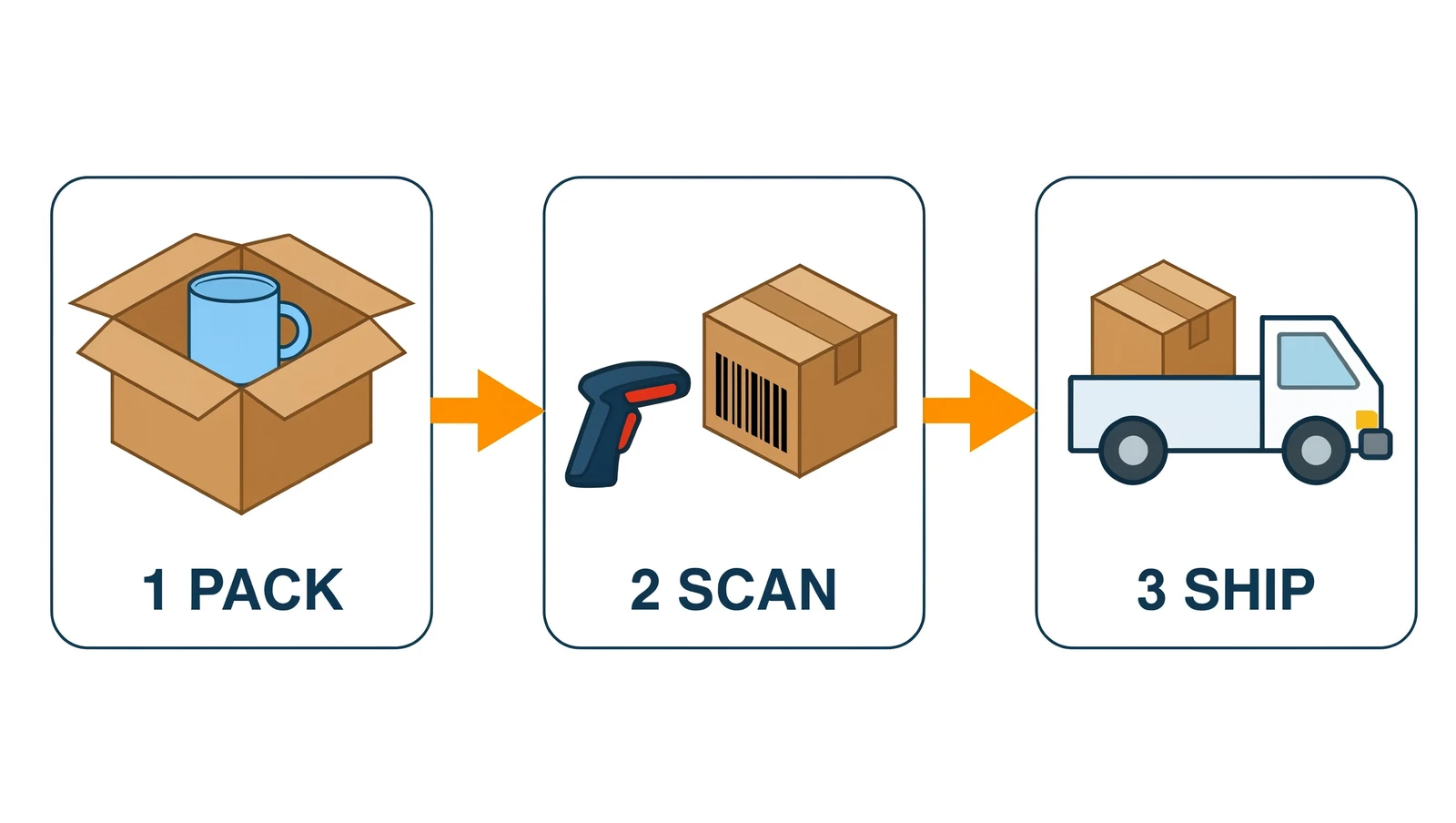
Reduced full-frame reading preview, 1600 × 904. Labels and arrows were not repaired.
Download the full-size PNG with generation metadata removed — 2720 × 1536, 1,406,169 bytes. Its decoded pixels are unchanged from the source result; this is a metadata-cleaned file, not a raw byte-identical download.
Read the full composition before crops. Use the metadata-cleaned, original-size PNG to inspect details; the compressed previews are for reading, not pixel-level checks.
2. Settings and the actual credit charge
| Setting | This run |
|---|---|
| Workspace mode | Text to Image |
| Reference images | None |
| Aspect-ratio preset | 16:9 |
| Output count | 1 |
| Delivered file | PNG, 2720 × 1536 |
| Quoted and charged for this run | 3 test credits |
| Observed refund | 0 credits |
These were test credits, not a cash price. Check current credit plans and the displayed quote before a new request. Seed 2399412342 was recorded; it was not a control exposed in the workspace.
3. The complete submitted prompt
Assign an icon and label to each panel, then name each connector's source, destination and direction. Complete 1,163-character prompt, unchanged:
Create a clear flat-vector landscape process infographic on a white background. Use exactly three equally sized rounded rectangular panels in a single horizontal row, with generous outer margins. The left panel shows an open brown cardboard box containing one plain blue mug and is labeled exactly "1 PACK". The middle panel shows a handheld barcode scanner aimed at a closed brown parcel with a black-bar barcode without digits and is labeled exactly "2 SCAN". The right panel shows a small delivery truck with one brown parcel visibly on its cargo bed and is labeled exactly "3 SHIP". Place each label below its own icon in large bold dark navy sans-serif text. Connect only the left panel to the middle panel and the middle panel to the right panel with two thick orange arrows pointing right. Each arrow starts at the right edge of its source panel and ends at the left edge of its destination panel. Do not draw a loop or backward arrows. The only readable text is "1 PACK", "2 SCAN", and "3 SHIP". Do not add a title, legend, extra words, logos, watermarks, people, extra panels or decorative arrows. Keep all three panels and both connectors fully visible.4. The workflow used a rewritten prompt
The workflow expanded the input to the recorded 1,193-character expanded prompt below. The workspace offered no expansion-off switch:
Read the complete expanded prompt used in this run
A clear flat-vector landscape process infographic on a white background. It features three equally sized rounded rectangular panels in a single horizontal row with generous outer margins. The left panel shows an open brown cardboard box containing one plain blue mug and is labeled exactly "1 PACK". The middle panel shows a handheld barcode scanner aimed at a closed brown parcel with a black-bar barcode without digits and is labeled exactly "2 SCAN". The right panel shows a small delivery truck with one brown parcel visibly on its cargo bed and is labeled exactly "3 SHIP". Each label is placed below its own icon in large bold dark navy sans-serif text. Two thick orange arrows connect the panels, pointing right. The first arrow starts at the right edge of the left panel and ends at the left edge of the middle panel. The second arrow starts at the right edge of the middle panel and ends at the left edge of the right panel. There are no loops or backward arrows. The only readable text is "1 PACK", "2 SCAN", and "3 SHIP". No title, legend, extra words, logos, watermarks, people, extra panels or decorative arrows are present. All three panels and both connectors are fully visible.The rewrite kept the labels and separated the arrow relationships. There was no expansion-off comparison to establish an improvement.
5. Check every label, icon and connection
| Requested item | Observed in the original PNG | Boundary of this check |
|---|---|---|
| 1 PACK | Left panel: an open brown box containing one blue mug; label beneath the icon | The visible numeral, spelling and capitalization matched. |
| 2 SCAN | Middle panel: a handheld-style scanner facing black bars on a closed parcel; label below | The barcode was a graphic. No scanning or standards-compliance test was performed. |
| 3 SHIP | Right panel: a small truck carrying one visible brown parcel; label below | The parcel and label belonged to the truck panel. |
| PACK → SCAN | Tail at the left panel's right border; right-pointing tip at the middle panel's left border | Visual endpoint and direction inspection, not editable vector geometry. |
| SCAN → SHIP | Tail at the middle panel's right border; right-pointing tip at the right panel's left border | No third decorative connector, reverse arrow or loop was observed. |

Arrow-to-border inspection crop from the same result, not a second generated output.
No extra readable words were observed. Panels looked similarly sized; exact equality was not measured. Outer margins differed. Zoom in to check label spacing; the text cannot be edited separately in this PNG.
6. A narrow raster is not a mobile-browser test
Separate 375 × 212 reading raster, not a mobile-browser screenshot.
Short labels and the rightward sequence remained readable in this separately resized 375 × 212 raster. It is not a mobile-browser or handset test, nor barcode-detail proof. Inspect the original PNG for small bars and arrow-border contacts.
7. Try the same kind of brief deliberately
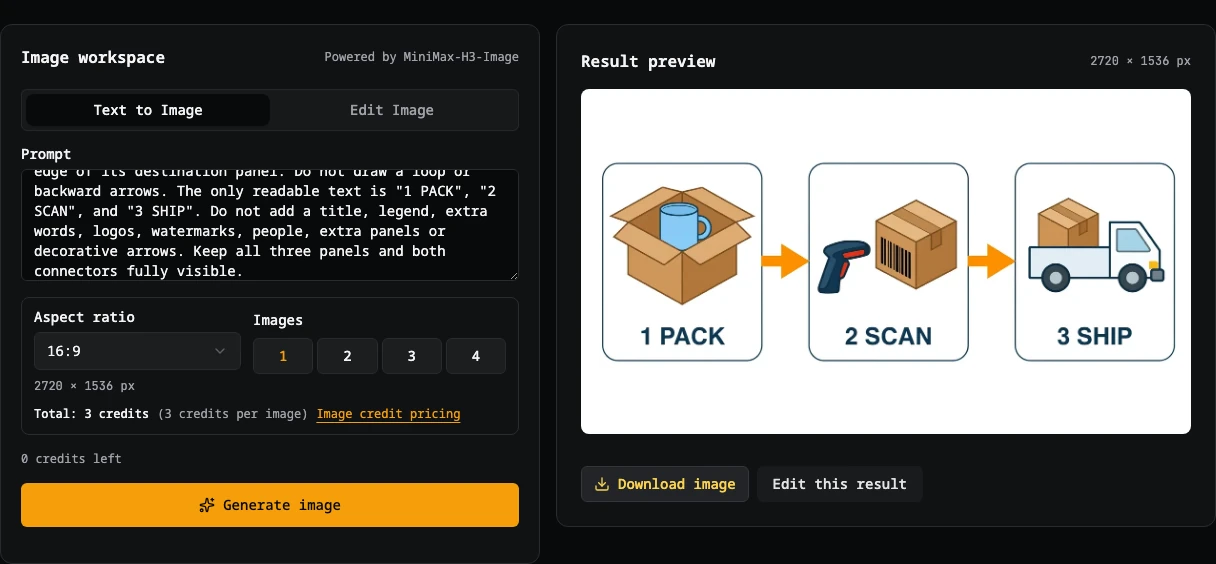
The actual workspace and retained result; reproduce the request manually below.
Open the image workspace, sign in normally, and select Text to Image. Manually paste the submitted prompt above, choose 16:9 and one output, then check the current total quote and your available balance before pressing Generate. Opening the link does not submit a job.
For another text-layout task, see the poster-text examples. The existing prompt guide shows how to make composition requests inspectable.
The delivered file is a raster PNG, not an editable SVG or separate text, icon and arrow layers. This single first output supplies no reliability percentage, reproducibility guarantee or latency benchmark.